Lives on your desktop
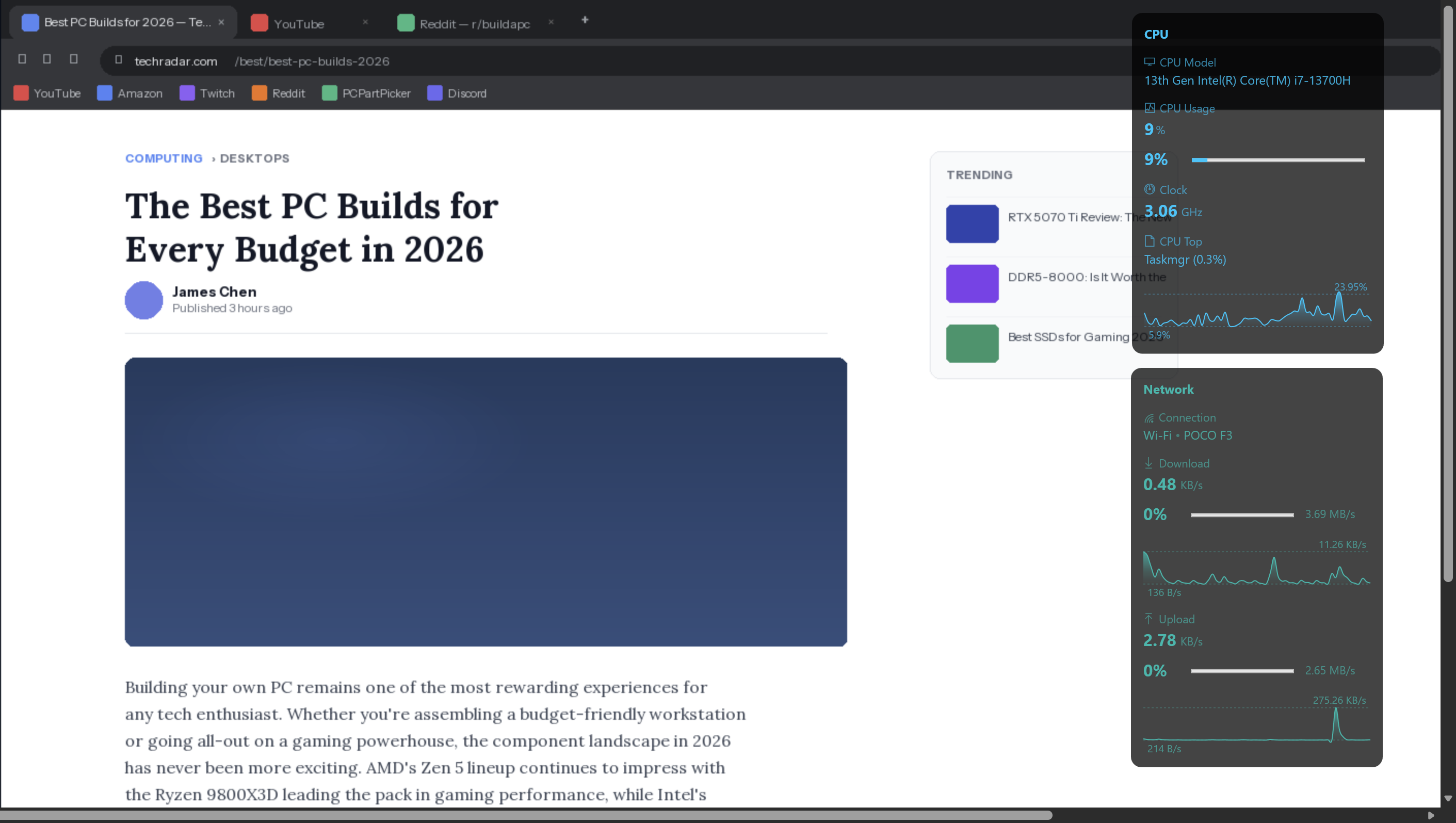
Always-on-top, always visible, never in the way. pcGauge widget windows float above your desktop without appearing in the taskbar or Alt+Tab switcher.
pcGauge is a modern desktop system monitor for Windows and a simple alternative to tools like Rainmeter. The easiest way to put CPU, GPU, memory, network, and disk stats on your Windows desktop — without scripts, config files, or ugly overlays.
No scripts. No subscription. No clutter. Just drag, drop, and go.
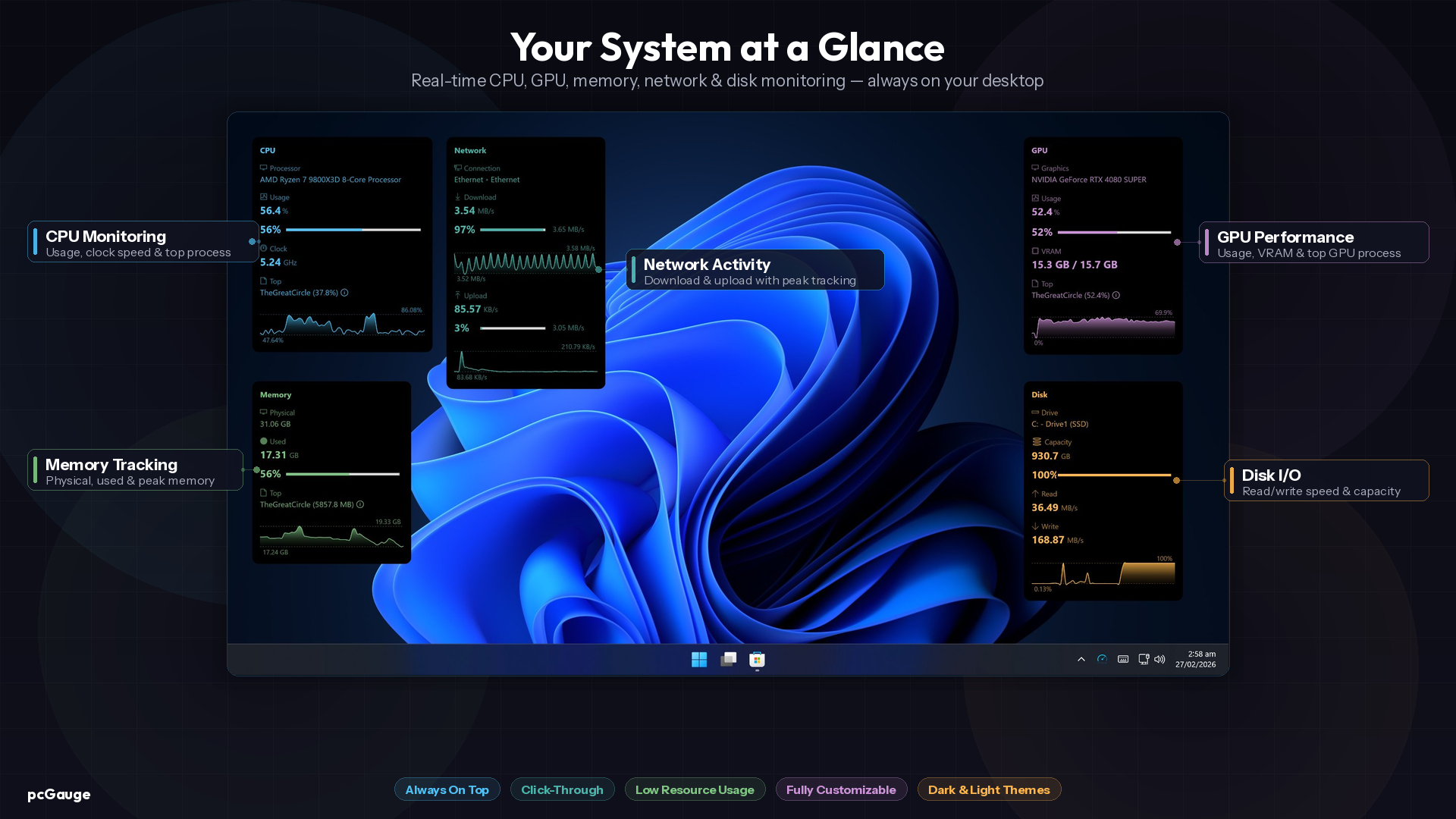
Always-on-top, always visible, never in the way. pcGauge widget windows float above your desktop without appearing in the taskbar or Alt+Tab switcher.
Install from the Microsoft Store and your widgets appear immediately. No config files, no drivers, no learning curve — just real-time data on your desktop.
Add only the metrics you care about and arrange them exactly how you want. Mix and match CPU, GPU, memory, network and disk tiles into any number of custom widgets.
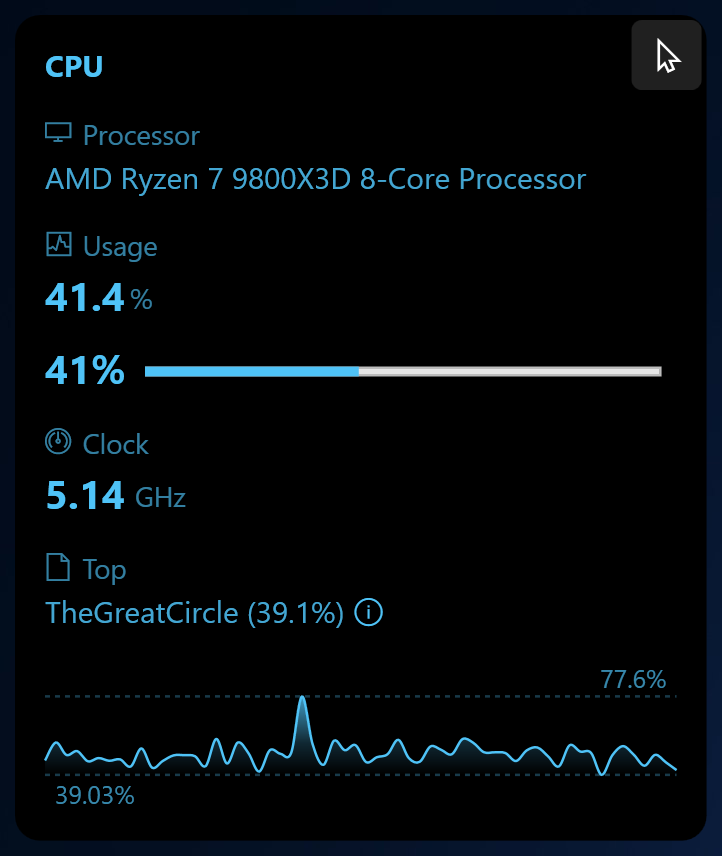
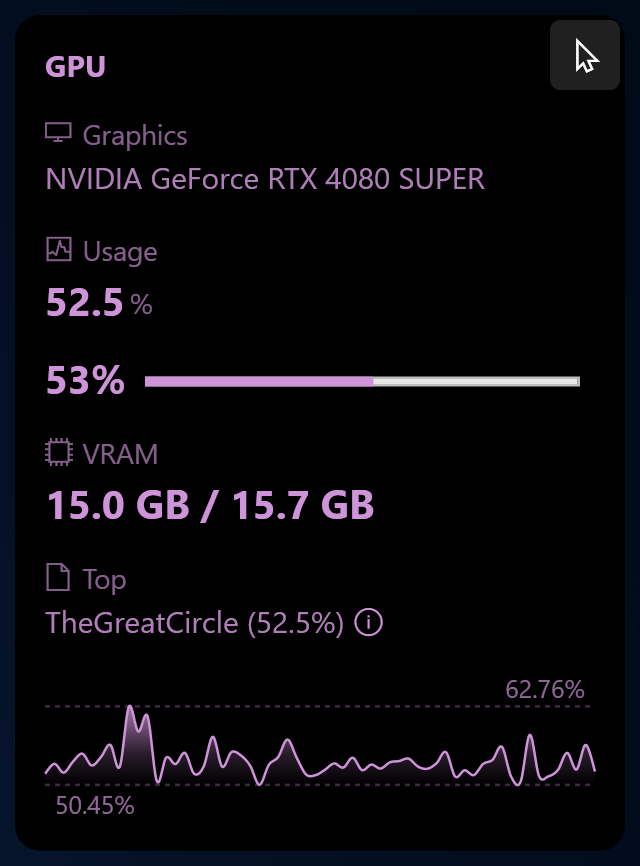
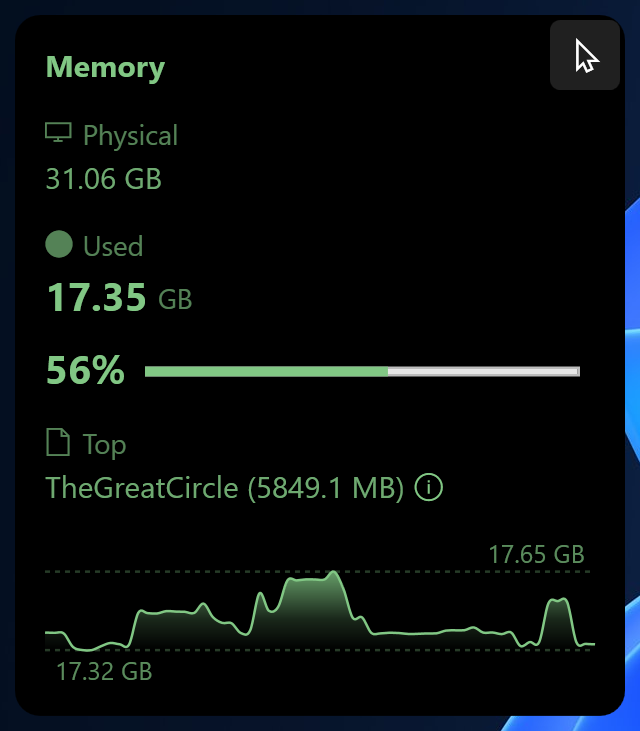
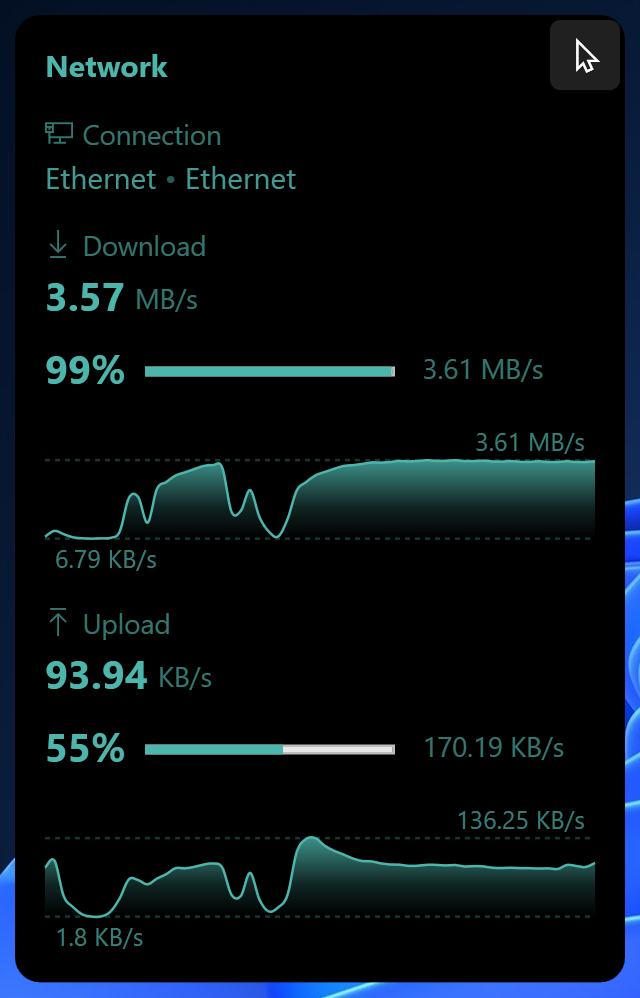
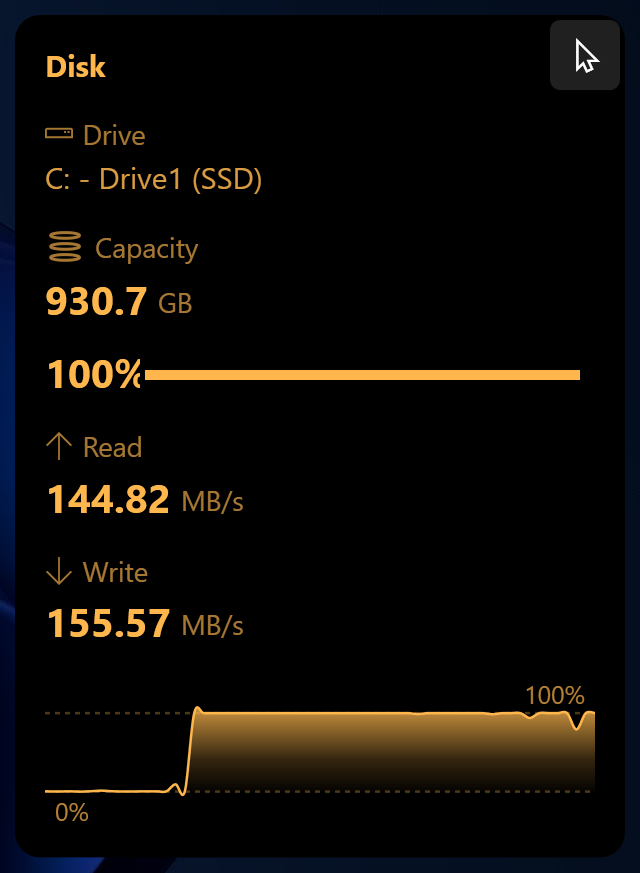
Sparkline history charts and usage bars give you visual context at a glance. Spot a CPU spike or a memory leak without opening Task Manager.
Click-through mode lets mouse clicks pass straight through the widgets to whatever is behind them. Widgets stay on screen without ever getting in your way.
Monitor CPU usage and clock speed, GPU load and VRAM, RAM consumption, network download and upload speeds, and disk read/write activity — all on your desktop at once.
Get the key stats you care about in a clean, simple layout — no setup hassle.
Always-on-top widgets float over your apps without getting in the way. Click-through mode lets you interact with whatever is behind them.
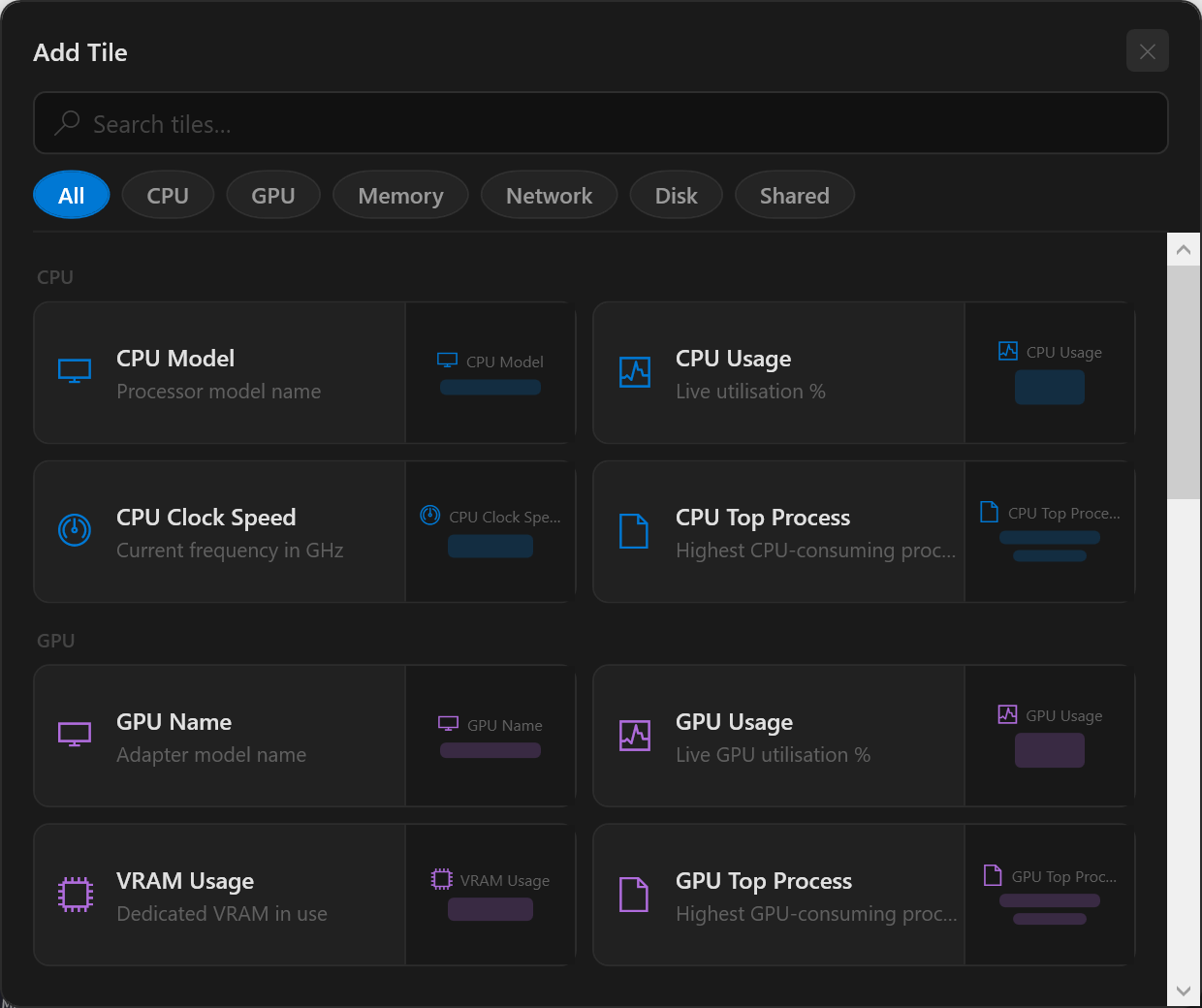
pcGauge ships with five ready-to-go widgets — but you're not locked in. Add, remove, and reorder individual tiles freely. Create as many widgets as you want, put any combination of metrics in each one, and position them anywhere on your screen.
Your setup, exactly how you want it.
Each widget is built from individual tiles — add only what you need, in the order you want.
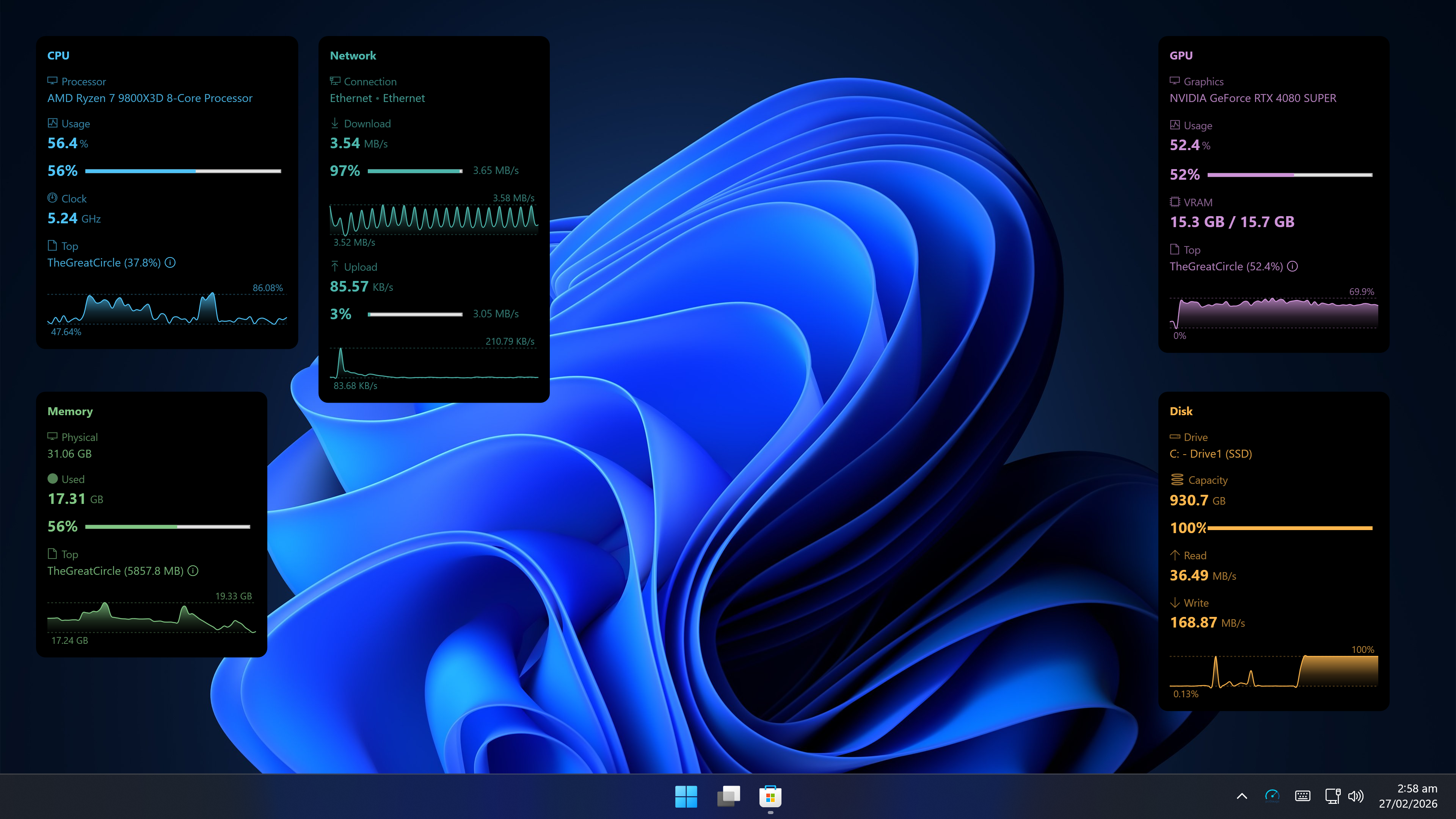
Full desktop — all widgets running side by side
Let the product prove itself first. If you want a clean desktop monitoring setup without the usual pain, keep it for a one-time purchase.
Bug reports, feature requests, or just a quick question — we read and reply to every message.